A new Android 17 feature allows users to log and view security-related events on their devices to help identify suspicious activity.
Key facts
- •Intrusion Logging uses end-to-end encryption for all stored data.
- •Decryption keys are linked to the user's account password and screen lock.
- •The feature tracks network activity including DNS queries and IP addresses.
- •Users must verify their identity via biometric authentication, PIN, or password to download logs.
- •The logs are stored in a zip file format that can be viewed using a text editor.
Android 17 has introduced a feature called Intrusion Logging that tracks security events on mobile devices. The tool, which utilizes the Android SecurityLog API, allows users to monitor application activity, network connections, and system modifications. Once enabled, the logs are stored on Google Cloud servers with end-to-end encryption, ensuring only the device owner can access them using their account password and screen lock credentials.
What Intrusion Logging Tracks
The logs capture a variety of system and application data, including app installations, deletions, and updates. It also records network connection details such as DNS queries, IP addresses, and the status of Wi-Fi and Bluetooth. Additionally, the logs track file transfers via Bluetooth, changes to system certificates, and instances where the phone is locked or unlocked.
Enabling and Accessing Logs
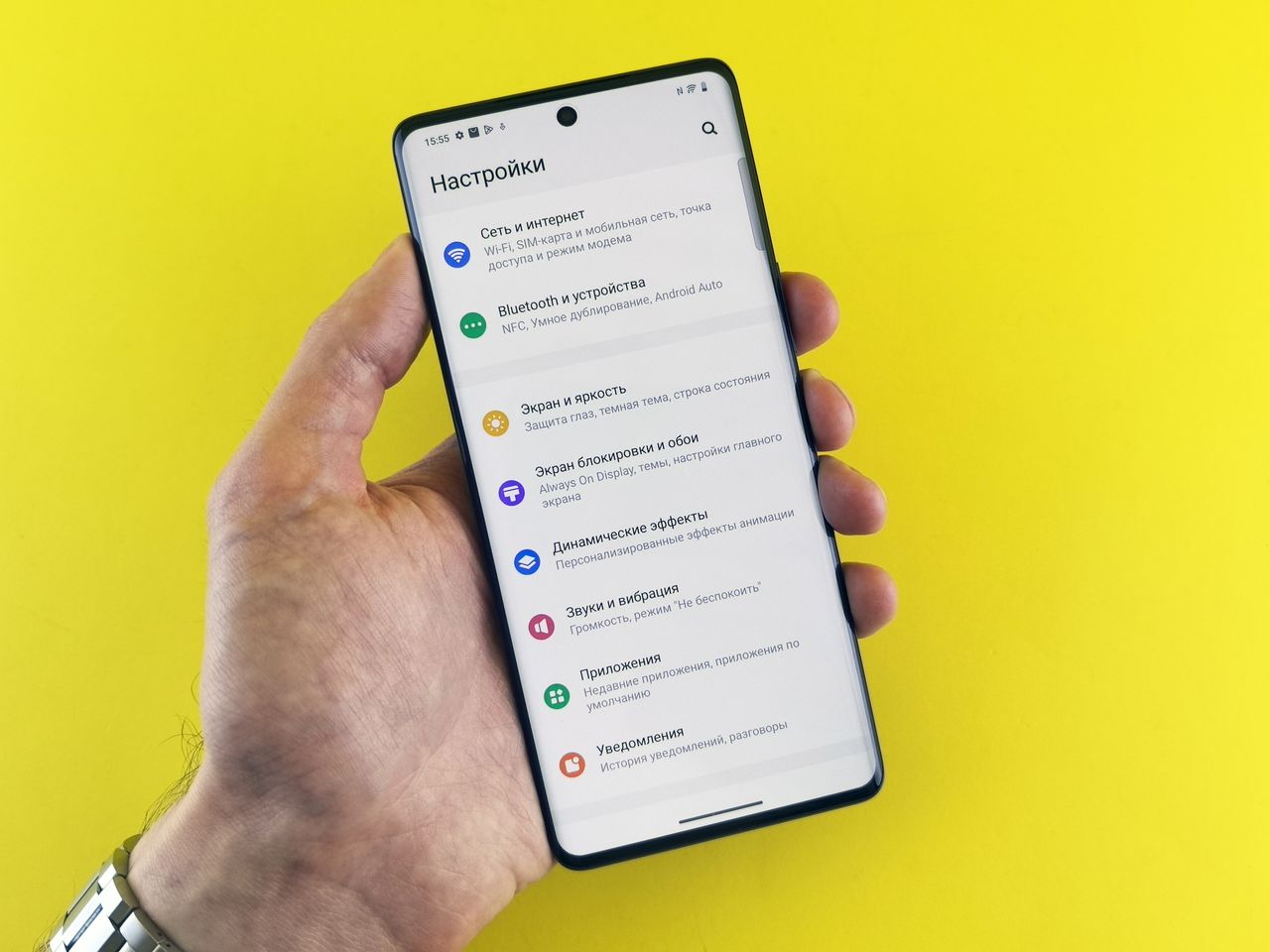
Users can enable the feature by navigating to Settings, selecting 'Security & privacy,' and choosing 'Advanced Protection.' After toggling the Intrusion Logging slider to the on position and verifying their identity, the system begins tracking events. To view the data, users must select 'Access logs' and 'Download & decrypt' within the same menu. The logs are provided as a zip file containing multiple text files, which can be opened on the device or transferred to a computer for easier analysis.
Advertisement
This article was independently rewritten by ManyPress editorial AI from reporting originally published by ZDNET AI.