
The latest version of the audio editor introduces a non-destructive workflow, a redesigned interface, and improved clip management tools.
Key facts
- •Audacity 4 introduces a non-destructive editing workflow for the first time.
- •Users can now overlap clips and move them freely across the timeline.
- •The update includes a new home screen and improved project organization tools.
- •The application's interface has been redesigned to match other Muse products.
- •Audacity has been available since its debut in 2000.
Audacity 4 has been released, marking a significant update to the audio editing and recording application. The new version transitions the software toward a modern digital audio workstation (DAW) by introducing a non-destructive editing workflow and a refreshed visual design.
Non-Destructive Editing Features
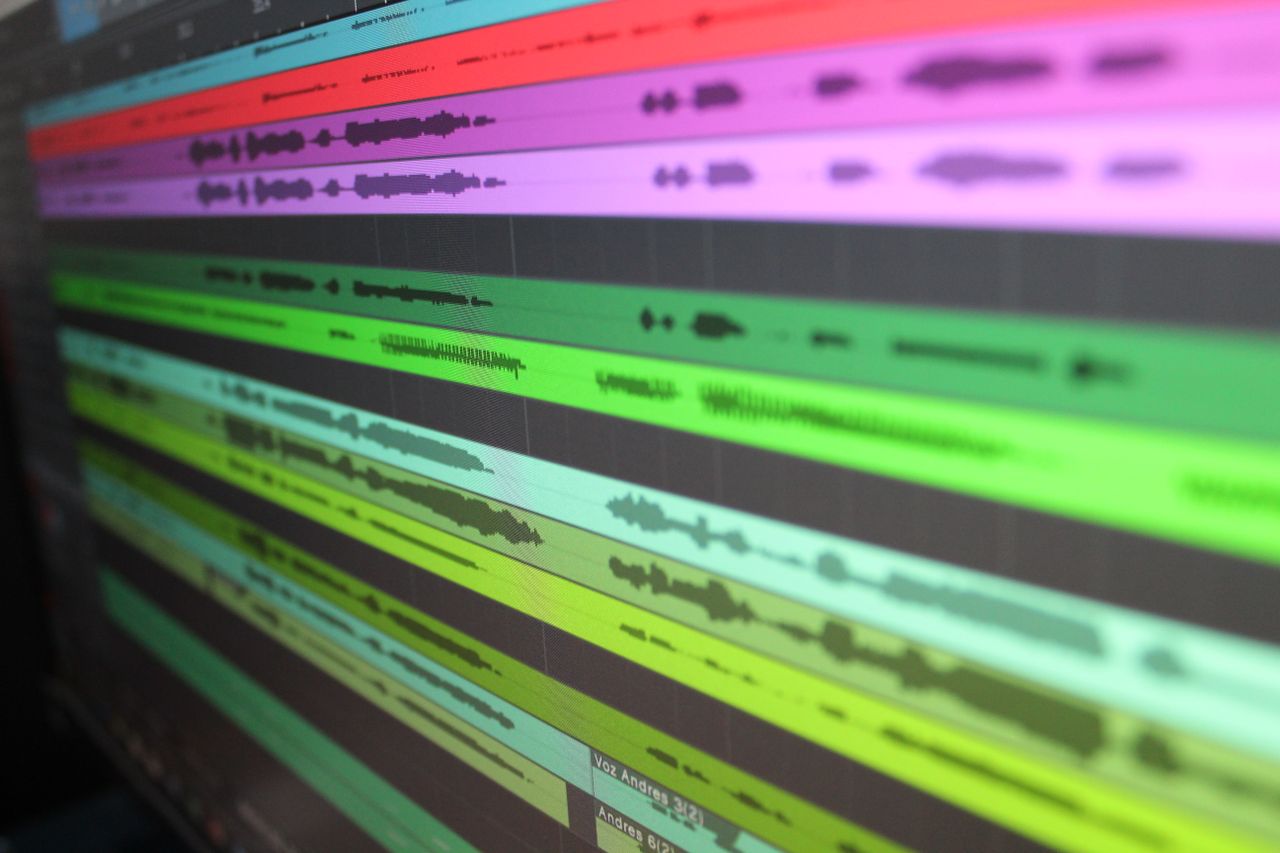
The update introduces a non-destructive editing workflow, allowing users to trim clips and recover audio by dragging the clip edges. Clips can now overlap, enabling users to paste audio into tight spaces or move clips freely across the timeline without the previous restriction of being blocked by existing audio.
Interface and Workflow Improvements
Audacity 4 includes the ability to split, chop, and rearrange audio clips. The developers have updated clip envelopes, built-in effects, and added a new home screen for project organization. The software also received a visual redesign to align with other Muse products, such as Muse Score and Audio.com, and now features customizable themes.
Advertisement
This article was independently rewritten by ManyPress editorial AI from reporting originally published by The Verge.

%20102026%20top%20art%20SOURCE%20Govee.jpg)